
A Google Business listing (also called a Google Business Profile) is your business profile that appears on Google Search and Google Maps when people look for your services.
Why it’s important ?
- Improves local SEO ranking
- Helps customers find you on Google
- Builds trust with reviews
- Brings free leads and calls
- Shows up on Google Maps
In simple words
It’s your online shop window on Google — where customers see your business before they contact you.
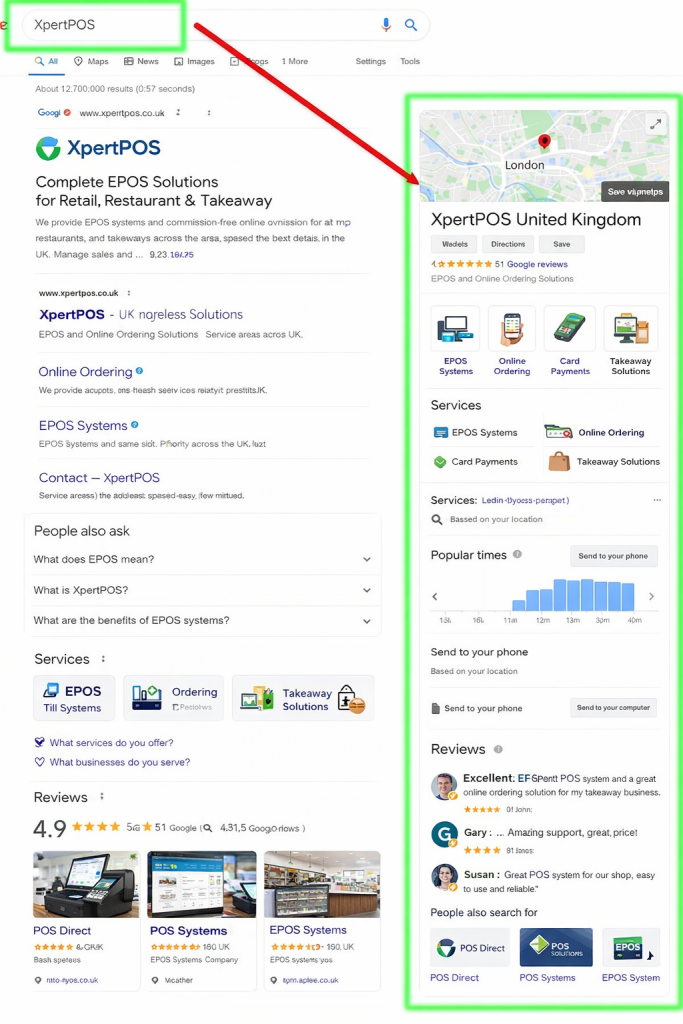

We Can Help You
To be able to update your location, we need to be added as Managers on the location.
Follow these step-by-step instructions on how to add a user on the location.
How to add managers to your business listing
Managers can edit all the business information on your listing, but unlike owners, they don’t have the authority to add/remove other users.
Follow these steps to add a new Manager user to your listing
1. On your computer, sign in to Google My Business.
(If you have multiple locations, select the one pertaining to this restaurant account.)
2. In the menu on the left, click Users

3. At the top right of the popup, click Add users

4. Insert shahzadzafar@gmail.com
(The name shahzadzafar@gmail.com will show. Click on it.)
5. Select Manager role
6. Click Invite